

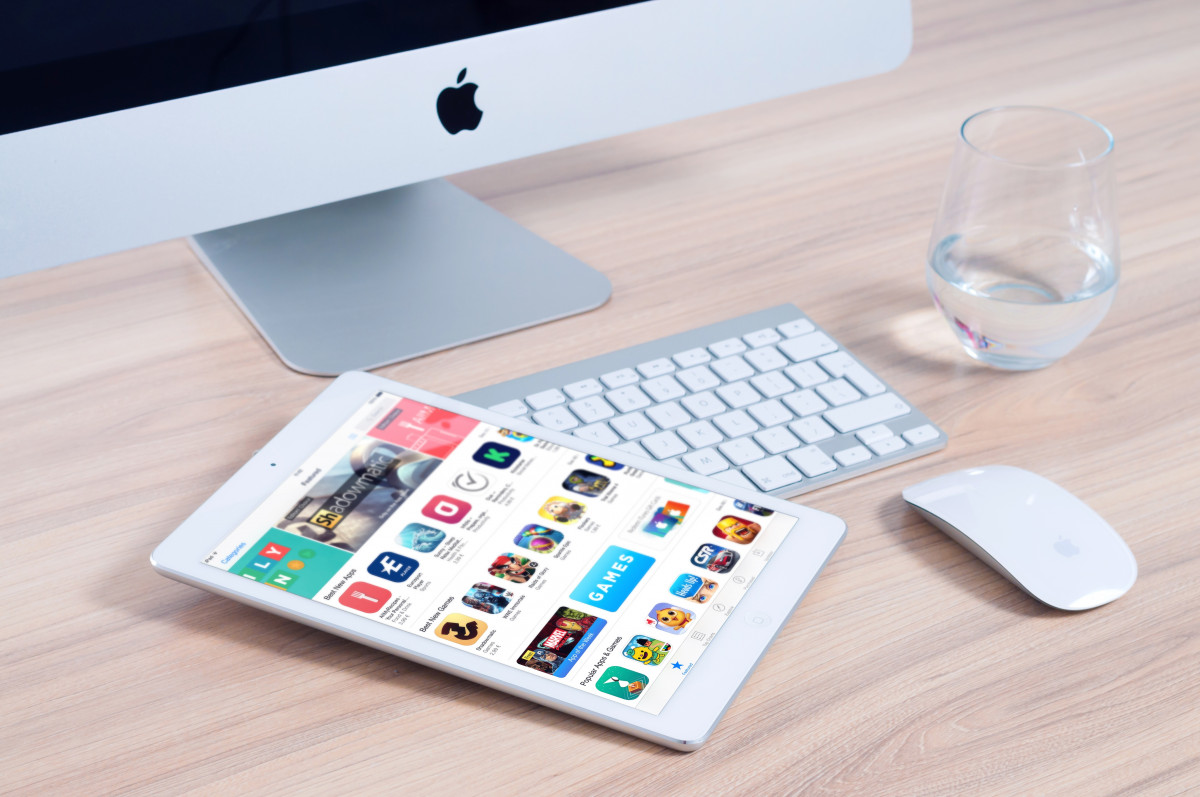
Apple’s iPads now support a wide range of productivity workflows, with third-party apps offering tools for task management, note-taking, focus, and organization beyond built-in apps like Notes, Calendar, and Reminders.
Visual Planning And Note Taking Tools Gain Traction
Milanote offers a visual workspace where users can organize tasks, ideas, and projects on boards instead of traditional lists. It supports combining notes, images, videos, and sketches, with collaboration features for shared editing and feedback. The app is free with a $9.99 monthly option for expanded storage.
Goodnotes supports handwritten and typed notes using Apple Pencil, with features including audio recording synced to written notes and AI tools that summarize, organize, and analyze content. The app includes a free tier and paid options starting at $11.99 per year or a one-time $35.99 purchase, with additional AI features available through a monthly add-on.
Notability provides similar functionality, allowing users to write, record audio, annotate documents, and generate AI summaries. It also supports search across handwritten notes and includes templates for planning and study use.
Task Management Apps Offer Flexible Organization
TickTick allows users to create tasks, set reminders, track habits, and use a Pomodoro-style timer to manage focus. It supports syncing across devices and integration with calendar tools, with premium features available via subscription.
Todoist focuses on simplicity, using natural language input to create tasks and recurring schedules. It organizes tasks into views such as “Today” and “Upcoming,” with optional integrations across platforms and a paid plan for additional features.
Trello uses boards, lists, and cards to visualize workflows. Users can assign tasks, set deadlines, and track progress through customizable layouts, with free and subscription-based plans available.
Focus And Habit Tools Address Productivity Challenges
Forest gamifies productivity by encouraging users to stay focused through a virtual tree-growing system. Completing tasks allows users to grow digital forests and contribute to real-world tree planting through partnerships with environmental organizations.
Freedom blocks distracting websites and apps across devices for set periods. It also offers scheduled sessions and ambient sounds designed to support concentration, with a subscription model starting at $3.99 per month.
All In One And Lifestyle Tools Expand Use Cases
Notion combines note-taking, task management, and collaboration into a single workspace. Its AI tools can summarize content, generate drafts, and organize workflows, while integrations with services like Slack and Dropbox allow users to centralize tasks. Notion offers free and paid plans starting at $10 per month.
Crouton focuses on organizing recipes and meal planning. Users can import recipes, generate weekly plans, and create grocery lists, with both free features and a $14.99 annual subscription for expanded functionality.
Apps Reflect Shift Toward iPad As Work Device
The range of available apps reflects how the iPad has evolved from a content consumption device into a tool for work, education, and personal organization. These apps provide alternatives and enhancements to Apple’s built-in tools, offering more specialized workflows depending on user needs.
Featured image credits: PxHere
For more stories like it, click the +Follow button at the top of this page to follow us.