

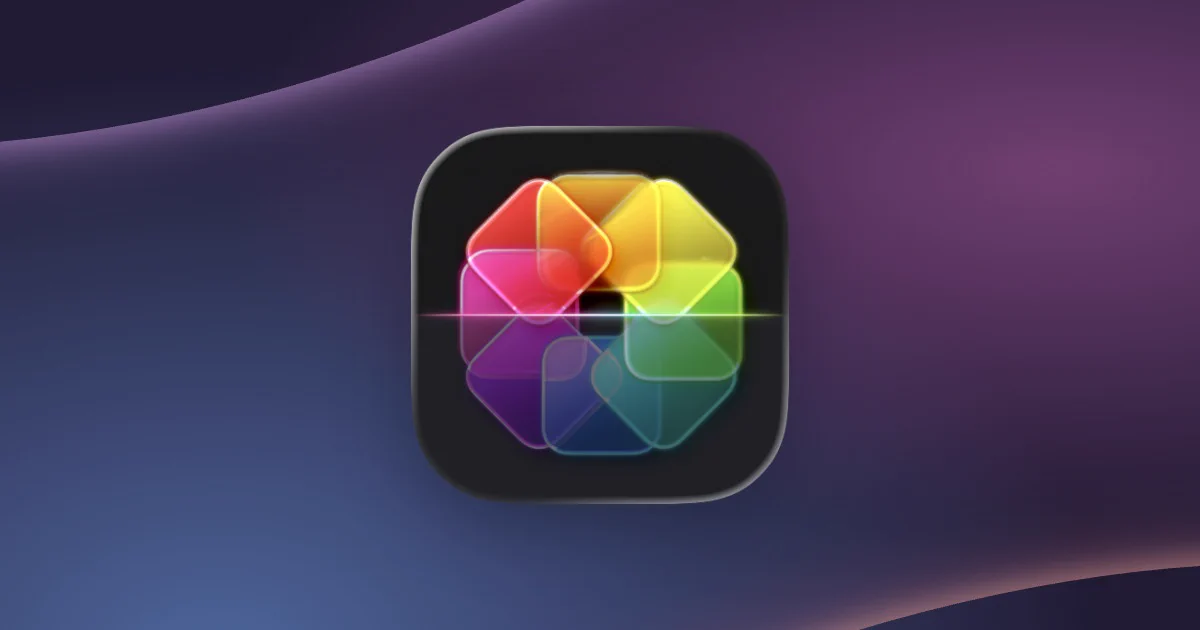
Designer Michael Flarup has launched IconSwapper, a macOS utility that allows users to customize application icons and display live information, including AI usage limits for ChatGPT, Claude, and Cursor. The app introduces interactive icons that respond to application activity, providing an alternative way to monitor AI usage directly from the Mac Dock.
Available through the official IconSwapper website, the application costs $19 during its introductory promotion before increasing to $29. Beyond AI monitoring, the software offers animated effects, visual customization tools, and a library of alternative icons for popular Mac applications.
Live Icons Display AI Usage and App Activity
IconSwapper allows users to replace standard application icons with dynamic versions that display information or respond to specific events. For supported AI applications, these icons can show current usage levels and indicate when usage limits are scheduled to reset.
Users can configure live icons by installing IconSwapper and selecting an application they want to customize. The software provides predefined options without requiring users to write code or modify application files manually.
The utility also supports native macOS applications, including Messages, Mail, Safari, Finder, and Music, alongside third-party services such as Chrome and Spotify. Users can configure Safari’s compass icon to respond to page loading and downloads or make Finder’s facial expression react to cursor movements.
These customizations appear in the Mac Dock and Command-Tab application switcher, making them accessible while switching between programs. IconSwapper also provides visual effects, shading adjustments, and alternative designs for users who prefer static icon modifications.
Custom Rendering Technology Enables Interactive Icons
Flarup, a Copenhagen-based designer who operates the Flarup Design Studio, developed IconSwapper after years of working with application icon design. He has created custom Mac icons since the early 2000s and previously published a book documenting application icon designs.
Developing the utility required an alternative approach because macOS does not officially support system-wide icon theming and restricts modifications to protected system icons. Rather than replacing the original files, IconSwapper draws customized visuals directly over the icons.
Flarup said the application uses custom Apple Metal shaders to render icon designs and animations in real time. The rendering system allows icons to respond to cursor movement, application activity, and live information without permanently modifying the original artwork.
“The breakthrough was figuring out how to send the Dock a bitmap for another running app and have it draw that frame itself,” Flarup explained. He said the technique also required accounting for Dock magnification and application switching to maintain consistent animations.
IconSwapper Offers One-Time Purchase Pricing
In addition to live data displays, IconSwapper includes a collection of ready-made alternative icons and tools for adjusting their appearance. Users can also upload custom artwork and apply effects, including animated lighting and visual reactions to application activity.
The application is available as a one-time purchase for $19 during its launch promotion, with the regular price set at $29. The developer has not specified when the introductory pricing will end.
Featured image credits: IconSwapper
For more stories like it, click the +Follow button at the top of this page to follow us.