

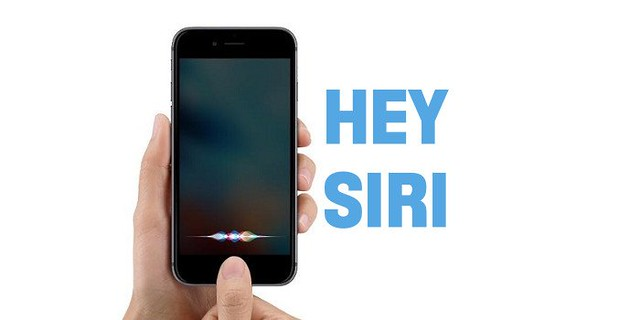
Apple’s iOS 27 puts the long-delayed Siri AI at the center of the iPhone experience, allowing the assistant to understand on-screen content, retrieve personal information and carry out multistep requests. After years when Siri was largely useful for simple tasks such as timers and alarms, the new version can work with files, messages, emails, apps and what appears on the screen.
Apple first previewed a more personal Siri alongside Apple Intelligence in 2024, but repeatedly delayed its release. The version arriving with iOS 27 is built with support from Google’s Gemini models and includes a redesigned interface, conversation history and controls for voice and expressiveness.
Siri Gains Screen, Camera and Personal Context
Siri can now answer questions about whatever a user is viewing, from identifying information in a sports lineup to researching a company shown on a webpage. Users can also ask it to take information on screen and perform another action, such as adding a product to a note or drafting and sending a message.
Personal context extends those capabilities across information stored on the phone. Siri can retrieve details from emails, files and messages, then use them for follow-up tasks, such as finding information about a delivery and preparing a return message.
The Camera app also works with Siri, allowing users to ask questions about objects visible through the viewfinder. It can identify food and drinks, look up information about a restaurant from its signage or analyze a coffee bag and suggest an appropriate brewing method.
Siri now has a dedicated app where users can return to previous conversations. Apple is also opening the assistant to third-party apps, making the quality of those integrations an important part of how useful Siri becomes beyond Apple’s own software.
Apple Intelligence Spreads Into Everyday Tasks
iOS 27 adds natural-language creation to Shortcuts, allowing users to describe an automation instead of manually constructing every step. A request could create a morning task reminder, convert selected photos to JPEG or combine several actions into a more complicated workflow.
Apple Intelligence also adds page-change alerts in Safari and new editing tools in Photos, including Reframe, Extend and an improved object eraser. Calendar and Notes can suggest actions based on information received in messages, while Passwords can automatically sign into supported websites and change compromised or outdated passwords.
Several smaller updates focus on reducing friction in everyday use. A new clipboard interface makes copied links, images, videos and text easier to move between apps, while intelligent network switching can automatically move from an unreliable Wi-Fi connection to cellular data.
Apple has also made Liquid Glass transparency adjustable and expanded parental controls with different schedules and limits by day, remote website approvals and warnings around nudity. iOS 27 is available for iPhone 11 and later and the second-generation iPhone SE and later, although individual Apple Intelligence and Siri AI features depend on compatible hardware and regional availability.
Featured image credits: iphonedigital via Flickr
For more stories like it, click the +Follow button at the top of this page to follow us.